DEMto3D
Free
- 1
Open QGIS
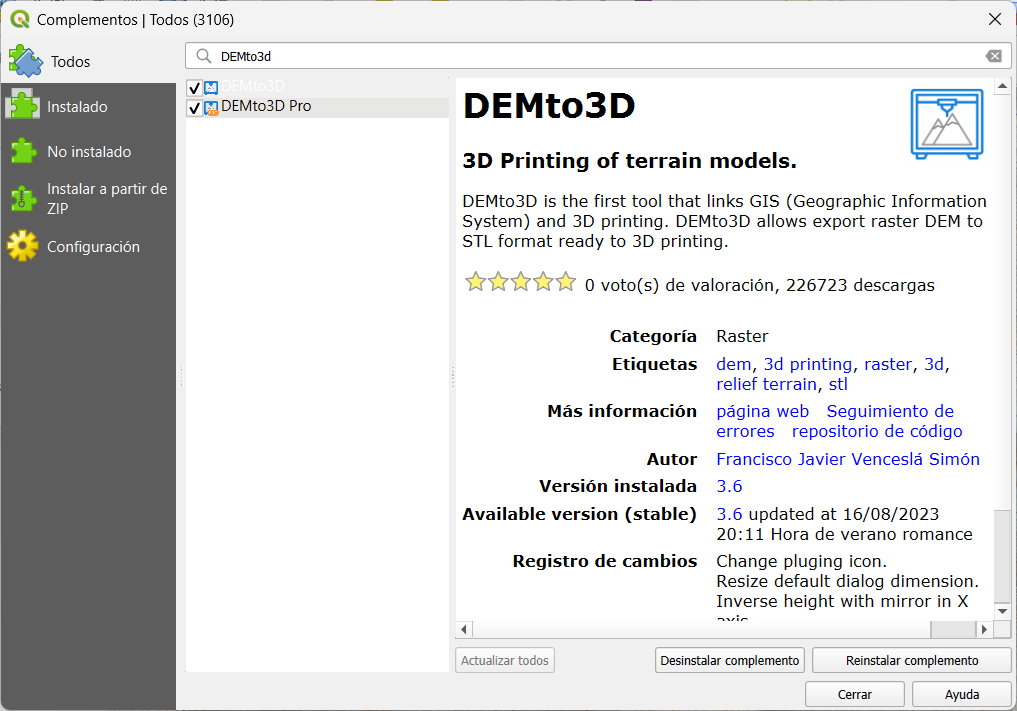
Go to Plugins → Manage and Install Plugins.
- 2
Search for DEMto3D
Search and select the edition published by Francisco Javier Venceslá Simón.
- 3
Install
Choose Install Plugin, then open DEMto3D from QGIS Raster menu.
Installation
Free installs from the official repository. PRO will be delivered in ZIP format, with its GPL source code, for manual installation.
Go to Plugins → Manage and Install Plugins.
Search and select the edition published by Francisco Javier Venceslá Simón.
Choose Install Plugin, then open DEMto3D from QGIS Raster menu.
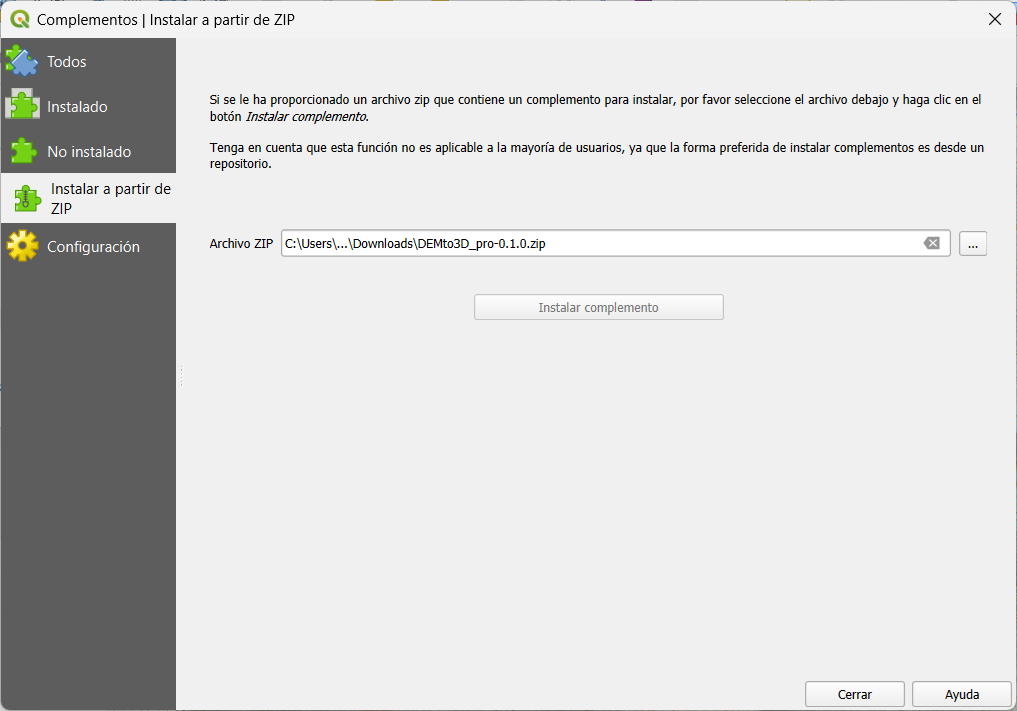
After purchase, you will receive an email download link for the plugin and its source code in ZIP format, valid for 7 days and up to 5 downloads.
In QGIS, open the plugin manager and choose Install from ZIP.
There is no online activation or periodic licence check.